Creating Unbreakable Passwords: A Complete Guide
Master the art of password creation and management to protect your digital life. Learn proven strategies to build fortress-like passwords that keep cybercriminals at bay while remaining manageable for everyday use.
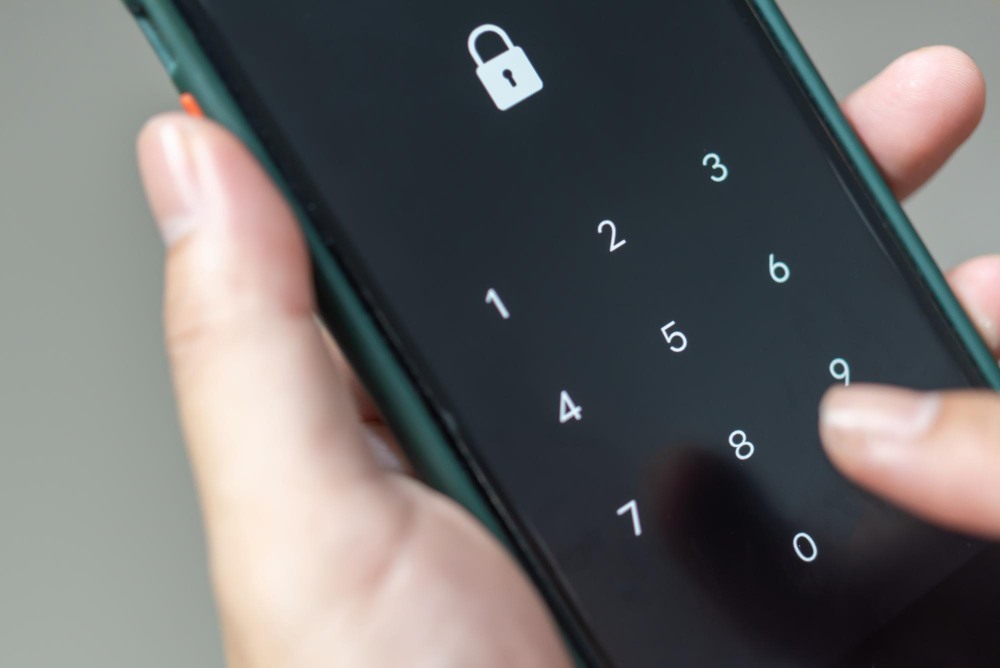
In an era where the average person manages over 100 online accounts, password security has never been more critical. With cybercriminals launching over 4 billion password attacks annually, creating truly unbreakable passwords is your first and most important line of defense against digital threats.
This comprehensive guide will transform you from a password novice into a security expert, providing you with battle-tested strategies, cutting-edge tools, and insider knowledge to create passwords that can withstand even the most sophisticated attacks while remaining practical for daily use.
Understanding Password Strength
Password strength isn't just about complexity—it's about entropy, unpredictability, and resistance to various attack methods. A truly strong password combines length, character variety, and randomness in ways that make it computationally infeasible to crack.
Key Strength Factors:
- Minimum 12-16 characters for optimal security
- Mix of uppercase, lowercase, numbers, and symbols
- Avoid dictionary words and common patterns
- Include unpredictable character sequences
"A 12-character password with mixed characters would take a modern computer approximately 62 trillion years to crack through brute force—but only if it's truly random."
Common Password Mistakes to Avoid
Even security-conscious users often fall into predictable patterns that make their passwords vulnerable. Understanding these common pitfalls is crucial for creating truly secure credentials.
❌ Avoid These Patterns:
- • Sequential characters (123, abc, qwerty)
- • Personal information (birthdays, names)
- • Simple substitutions (@ for a, 3 for e)
- • Reusing passwords across accounts
- • Adding numbers/symbols only at the end
✅ Better Approaches:
- • Random character distribution
- • Unrelated word combinations
- • Complex substitution patterns
- • Unique passwords for each account
- • Symbols throughout the password
Creating Memorable Yet Strong Passwords
The challenge lies in creating passwords that are both cryptographically strong and humanly memorable. Here are proven techniques that balance security with usability.
The Passphrase Method
Combine 4-6 unrelated words with numbers and symbols:
The Sentence Method
Create a memorable sentence and use first letters:
→ MdRl3tbem!
The Pattern Method
Develop a personal algorithm for each site:
+ First 3 letters of site: MySecret2025!Gma (Gmail)
Using Password Managers Effectively
Password managers are the ultimate solution for maintaining unique, strong passwords across all your accounts. They eliminate the human element of password creation while providing maximum security.
Top Password Manager Features:
Two-Factor Authentication Integration
Even the strongest password can be compromised. Two-factor authentication (2FA) adds a critical second layer of security that makes unauthorized access nearly impossible, even if your password is stolen.
📱 Authenticator Apps (Most Secure)
Google Authenticator, Authy, Microsoft Authenticator
🔑 Hardware Keys (Enterprise Grade)
YubiKey, Google Titan, SoloKeys
📧 Email/SMS (Backup Only)
Use only when other methods aren't available
Regular Password Maintenance
Password security is not a set-it-and-forget-it process. Regular maintenance ensures your credentials remain secure against evolving threats and data breaches.
Password Maintenance Schedule:
Monthly: Security Checkup
Review password manager alerts, check for duplicate passwords
Quarterly: Comprehensive Audit
Update critical account passwords, review 2FA settings
Yearly: Complete Overhaul
Change master password, update recovery methods, security training
Business Password Policies
Organizations need comprehensive password policies that balance security with productivity. Modern business password strategies focus on enabling secure practices rather than creating barriers.
Policy Essentials
- • Minimum 12-character passwords
- • Mandatory password manager use
- • MFA on all business accounts
- • Regular security training
- • Incident response procedures
Implementation Tips
- • Provide password manager licenses
- • Gradual policy rollout
- • Employee education programs
- • Regular compliance audits
- • Clear violation consequences
Future of Password Security
The password landscape is evolving rapidly with new technologies promising to make traditional passwords obsolete. Understanding these trends helps you prepare for the future of authentication.
🔮 Emerging Technologies
Passkeys
Cryptographic keys replacing passwords entirely
Biometric Auth
Fingerprint, face, and voice recognition
Zero-Trust
Continuous verification models
"By 2027, industry experts predict that 60% of large enterprises will phase out traditional passwords in favor of passwordless authentication methods."
Your Password Security Action Plan
Implementing strong password security doesn't have to be overwhelming. Follow this step-by-step action plan to transform your digital security posture within the next 30 days.
30-Day Security Transformation:
Week 1: Foundation
Week 2-3: Implementation
Week 4: Optimization
Marcus Rodriguez
Lead Security Engineer & Password Expert
Marcus has spent over 10 years specializing in authentication systems and password security. He has helped Fortune 500 companies implement zero-trust security models and regularly speaks at cybersecurity conferences. Marcus holds advanced certifications in CISSP, CISM, and is a certified ethical hacker.
Stay Secure with Our Newsletter
Get the latest security insights, threat alerts, and protection tips delivered directly to your inbox every week.
Join 50,000+ security-conscious users. Unsubscribe anytime.